One opening at a time
Measure the width, depth and clear height of the shelf area you want to observe.
DRAWERSENSE / Shelves & cabinets
The lens case on a shelf. The tool in a cabinet. Give the places things return to a useful record.
Set up this space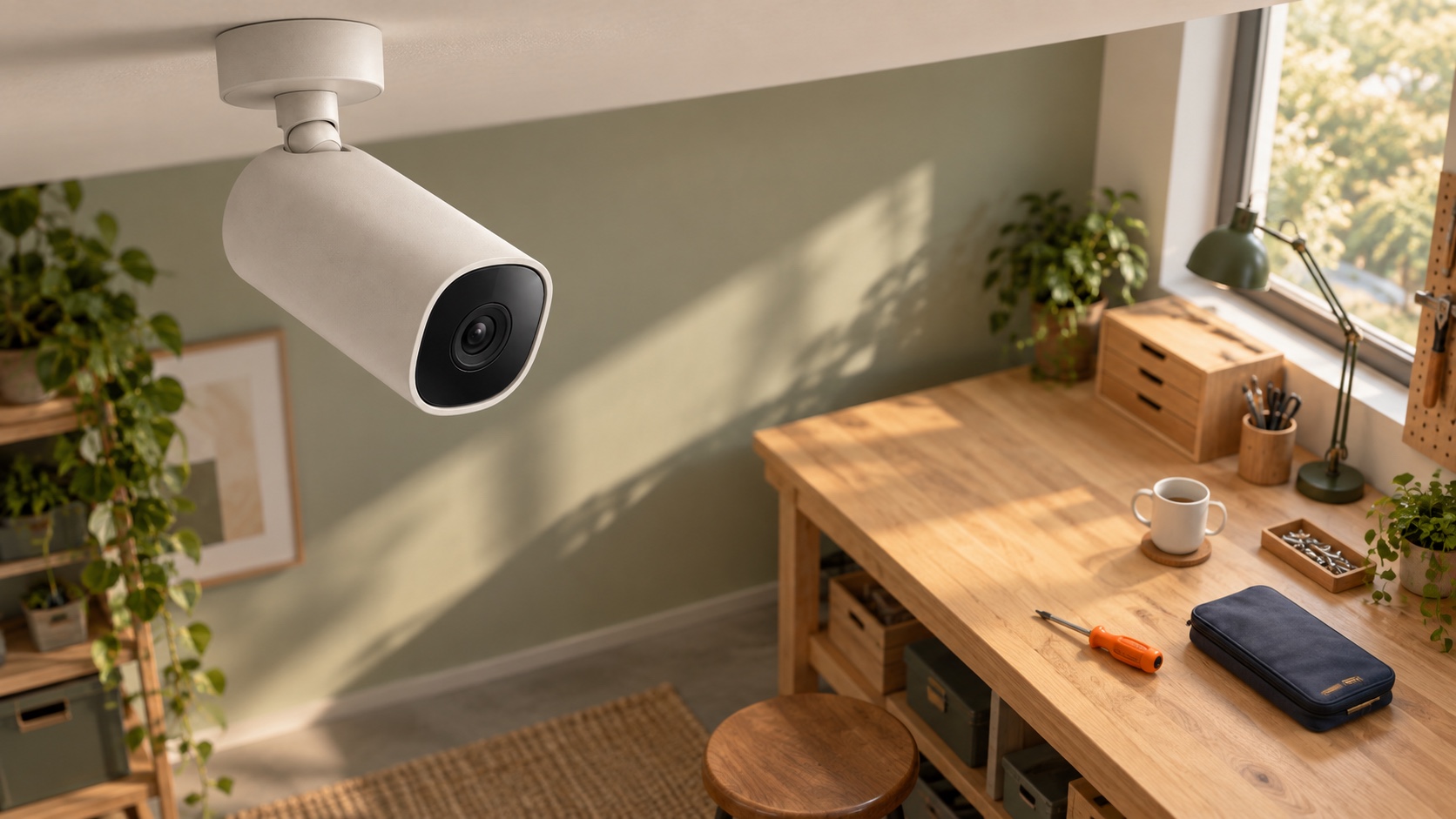
That depends on the view. Shelf edges, doors and objects can hide other areas, so one camera should not be assumed to cover every shelf. Choose the areas you care about and include the opening dimensions and preferred placement in your setup.
Measure the width, depth and clear height of the shelf area you want to observe.
An open shelf, glass door and closed opaque cabinet create different visibility constraints.
Seeing a whole wall of shelves does not mean every small item can be distinguished. Start with a bounded area.
Add each different shelf as its own setup. The cart keeps their dimensions separate, even when you choose the same component for both.