The useful answer
Organise cables by the job you use them for, then label the specifications you cannot safely infer from their appearance. Keep everyday items in a visible layer and put duplicates in a separate, labelled area. The drawer should answer “which one?” as well as “where?”.
Sort by your next task
Empty one drawer onto a clear surface. Group the items around real jobs: desk charging, display connections, travel and project equipment. If a cable belongs to a particular device, keep that relationship visible instead of sorting only by colour or connector shape.
Set aside unidentified items for a deliberate check. A mystery cable does not become useful because it is neatly coiled. Avoid discarding a specialist lead until you have checked the equipment it might belong to.
- Choose the items you reach for weekly.
- Group each one with its device or common task.
- Separate spare duplicates from the everyday layer.
- Give unidentified items a small review area instead of mixing them back in.
Label what a photograph cannot tell you
Two similar connectors can have different capabilities. Record verified power, data or display details on a small label or in an accompanying note when those details matter. Use the manufacturer’s markings or documentation for the exact model.
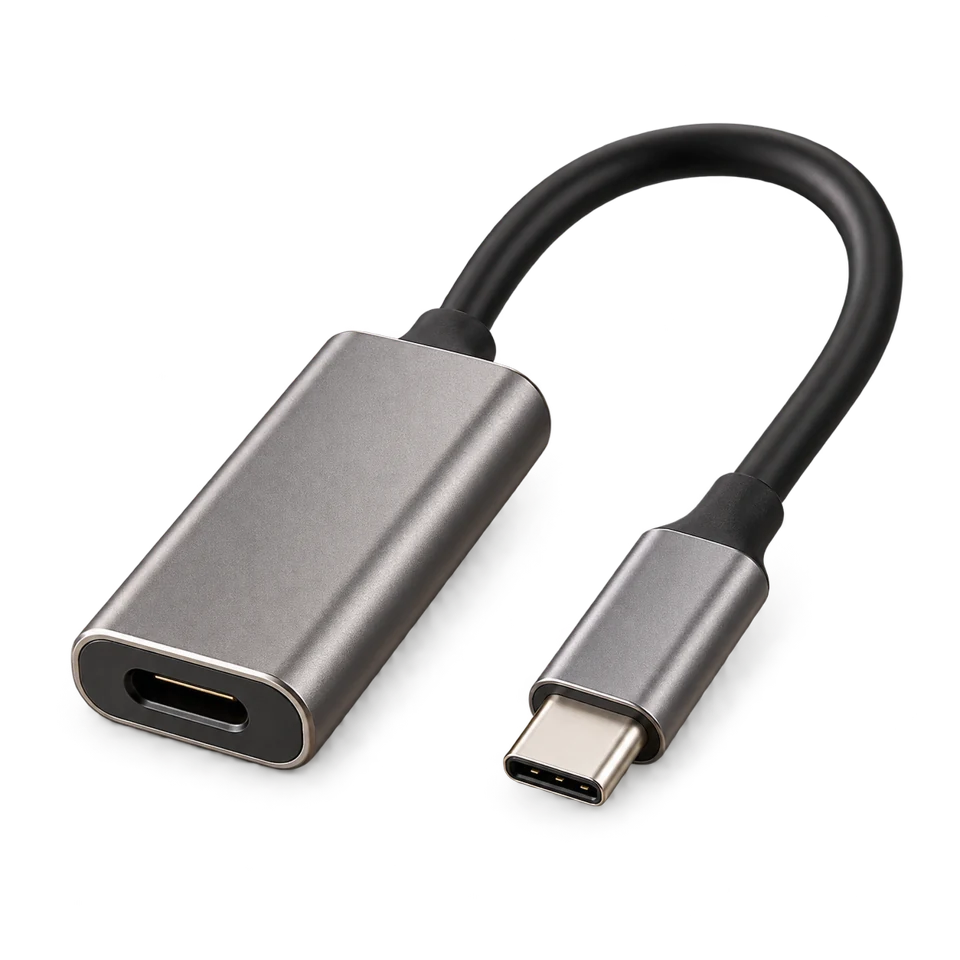
A drawer photograph can help you recognise the grey adapter with the short cable. It cannot establish its supported charging power, internal condition or suitability for your device. Treat visual matching as a way to find the candidate, then check the relevant specification.
Make a place that survives an ordinary day
Use dividers or small open trays to keep the everyday layer from turning into a pile. Leave enough space to remove an item without lifting three others. If you need to stack, put the less-used group underneath and label its container.
Try the layout with your normal routine. Take out the charger you actually use, return it one-handed and close the drawer. If maintaining the arrangement requires careful display styling, simplify it. The best system is the one you can restore when you are busy.
Choose a record that matches how often things move
For a stable spare-cable drawer, a label and an occasional photo may answer the question. For an active project drawer, an old image can quickly become less useful. A timestamped observation is valuable only if you understand how much could have changed since it was made.
Before adding camera hardware, check that the important objects remain visible and that the people sharing the space agree on the setup. Start with the drawer where a recent record would save a real search, then compare it with your existing routine.