The useful answer
Physical context is information about an object or place in the real world, together with when and how it was observed. For a stored item, a useful record joins its description, location, timestamp and supporting evidence. That gives an AI assistant something specific to reason from.
Start with a record a person can understand
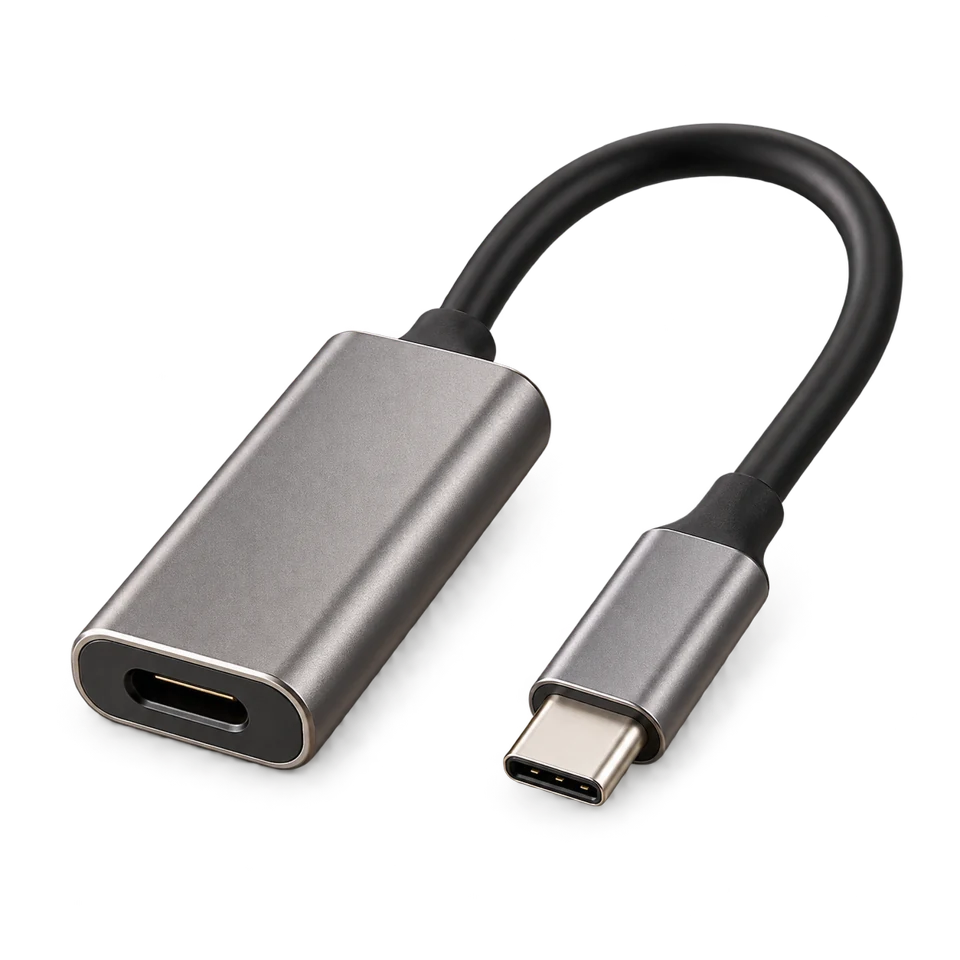
“Adapter” is a search term. “Grey adapter, desk drawer, observed at 9:24, with this image” is a record you can inspect. The extra fields help you judge whether the result answers the question you actually asked.
A useful record also makes uncertainty explicit. Was the object clearly visible? Could another adapter look the same? Did the observer see the whole drawer or only one corner? Keep those limits attached when the record moves between tools.
- Object: a recognisable description, with a label if identity matters.
- Place: a stable name for the observed storage area.
- Time: when the observation happened, rather than when you opened the result.
- Evidence: the image or source record behind the answer.
- Uncertainty: what the observation cannot establish.
Freshness changes the meaning
Suppose a cable was visible at 9:24 and you ask about it at 14:00. The record still tells you something useful about the morning. It cannot tell you whether somebody moved the cable at lunchtime.
An assistant should preserve the difference between “last seen in the desk drawer” and “is in the desk drawer.” Showing the time makes that difference easier to act on: check a recent observation first, then widen the search if the record is old.
A connection is a separate part of the system
A good record does not automatically make an integration available. The receiving tool needs a supported way to request information, appropriate access and a clear response format. The Model Context Protocol is one standard for connecting AI applications with external tools and context; using the term MCP does not establish that a particular product supports it.
Home automation has a related distinction: a trigger starts an automation, while conditions and actions determine what happens next. An object observation might inform a workflow, but it should not silently become proof of a current location or permission to act.
Choose one useful question first
Start with something you repeatedly need to know: “Where was the spare adapter last seen?” Choose a small, named storage area and check whether a place, a time and an image would change your next action.
DrawerSense applies this approach to drawers. Its interactive demo lets you inspect example records and uncertainty states. For a particular AI workflow, check the Product page for connection availability before purchase; API and MCP connections are not currently available.